Exposure
Цей контент ще не доступний вашою мовою.
Make the whole photo brighter or darker, as if you had let more or less light in when you took it.
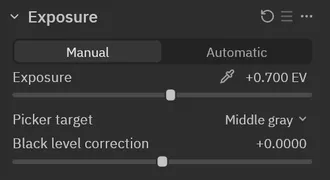
When to reach for it
Section titled “When to reach for it”When the photo is too dark or too bright overall. Set the overall brightness here first, then shape the shadows and highlights with other tools.
How-to’s that use it
Section titled “How-to’s that use it”This page is still being written: each of Exposure’s controls, and what it does, comes next.